
- Phone
(562) 903-4740 - Email
it.helpdesk@biola.edu - Location
Metzger Hall, Lower Level, East Wing of Building 43
Office Hours
-
Location and Hours
Information Technology Office (Metzger)
8 a.m.–5 p.m. (Monday–Friday)
IT Help Desk (Library)
8 a.m.–5 p.m. (Monday–Friday)
Follow Us
IT Service Catalog
Visit the IT Service Catalog for information about IT services, how-to guides and troubleshooting tips.

Immediate Assistance
Call Biola IT Help Desk at (562) 903-4740. If needed we can set up Google Meet support session to assist you remotely.
Appointments
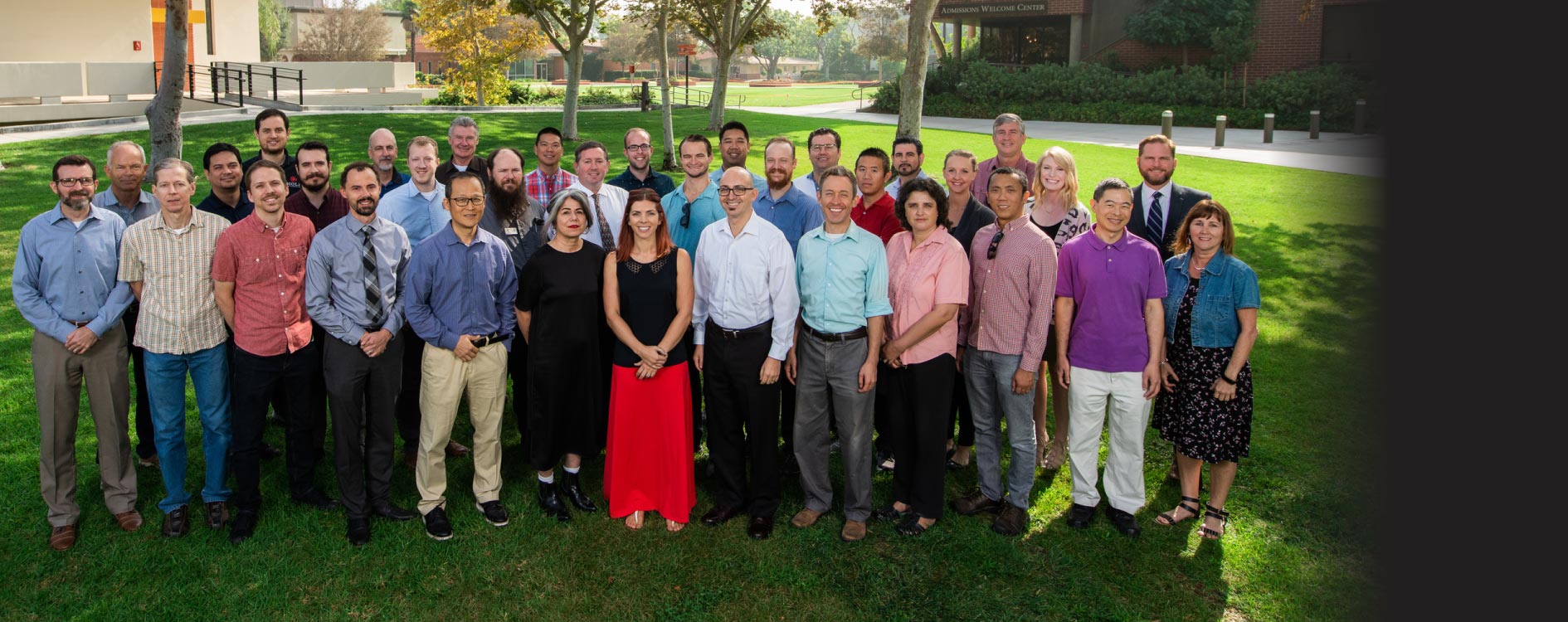
Department Members
Louis An
Technology Services Specialist
Beth Arnoult
Senior Programmer/Analyst
Joshua Barber
Lead Representative, IT Service Desk
Senior Software Engineer
James Calley
Director, Systems Administration
Emanuel Ceausu
Technician, Infastructure